How to QGIS 4.2 on Linux Mint (Sept ’26)
For a while now, my preferred way of installing QGIS has been from conda-forge. However, while we’re waiting for QGIS 4 to become available on conda-forge, there are alternatives:
Option 1: Flatpak
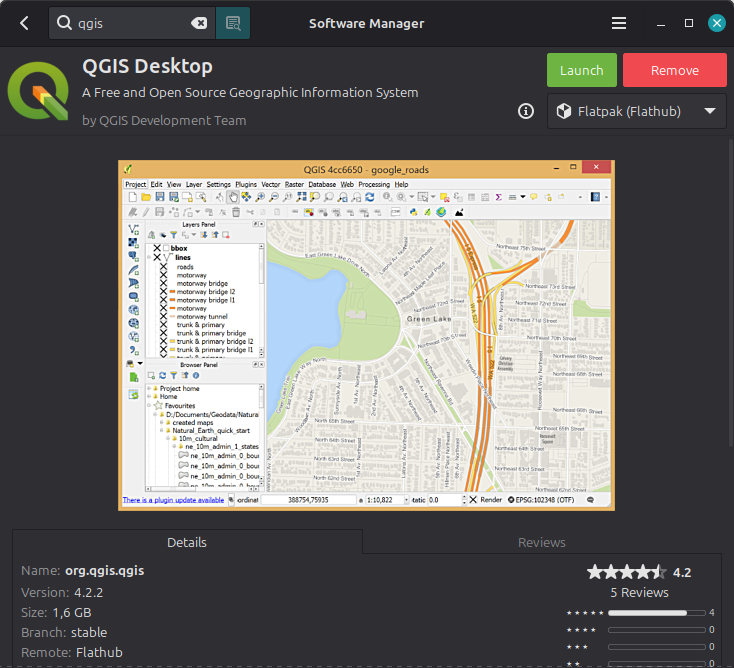
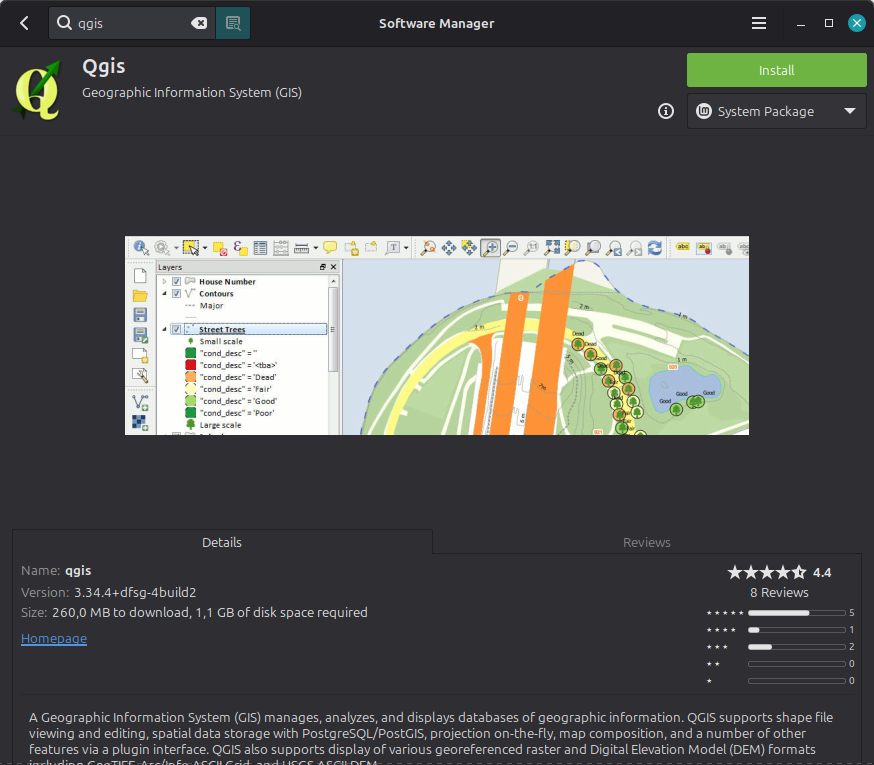
In the Software Manager, you can find QGIS from Flathub in two different versions: stable and lts. And stable should give you 4.2 (even if the Software Manager preview shows an older one):
Option 2: Meet the official QGIS Docker Images
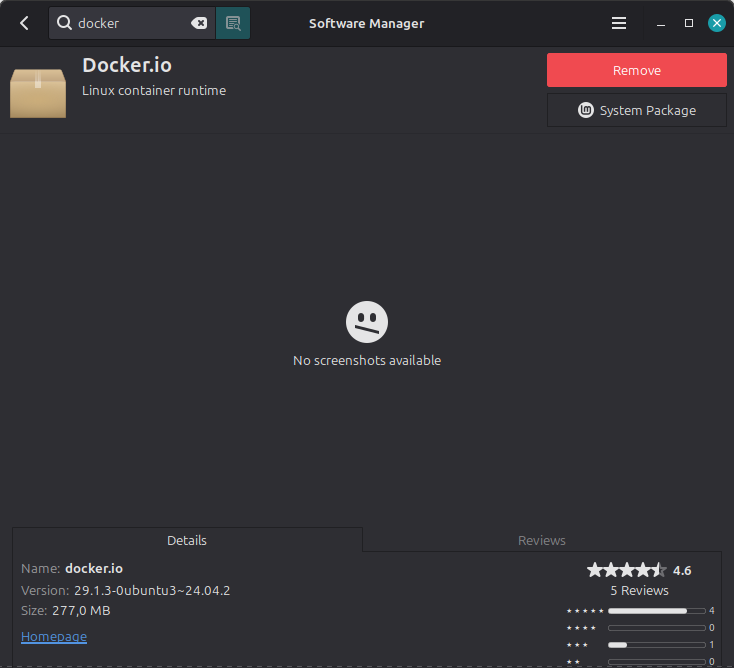
First off, you’ll need Docker. If you haven’t installed it yet, it’s directly available from the Linux Mint Software Manager:
From there on, we just switch to the Terminal for the rest.
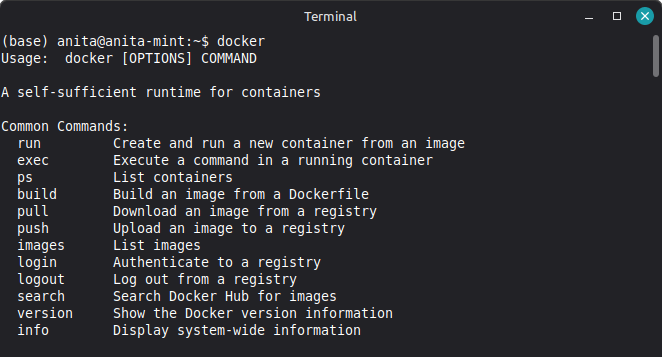
If you get “permission denied while trying to connect to the docker API” when running any of the following commands, you may have to add your user account to the docker group:
sudo usermod -aG docker $USERnewgrp docker # or just log out and back in
Afterwards, it should be straightforward to get the image from Docker Hub, e.g.:
docker pull qgis/qgis:4.2.2-questing
And once it’s downloaded, we can launch QGIS:
xhost +local:dockerdocker run --rm -it --name qgis \ -v /tmp/.X11-unix:/tmp/.X11-unix \ -e DISPLAY=$DISPLAY \ qgis/qgis:4.2.2-questing qgis
Voilá, QGIS 4!
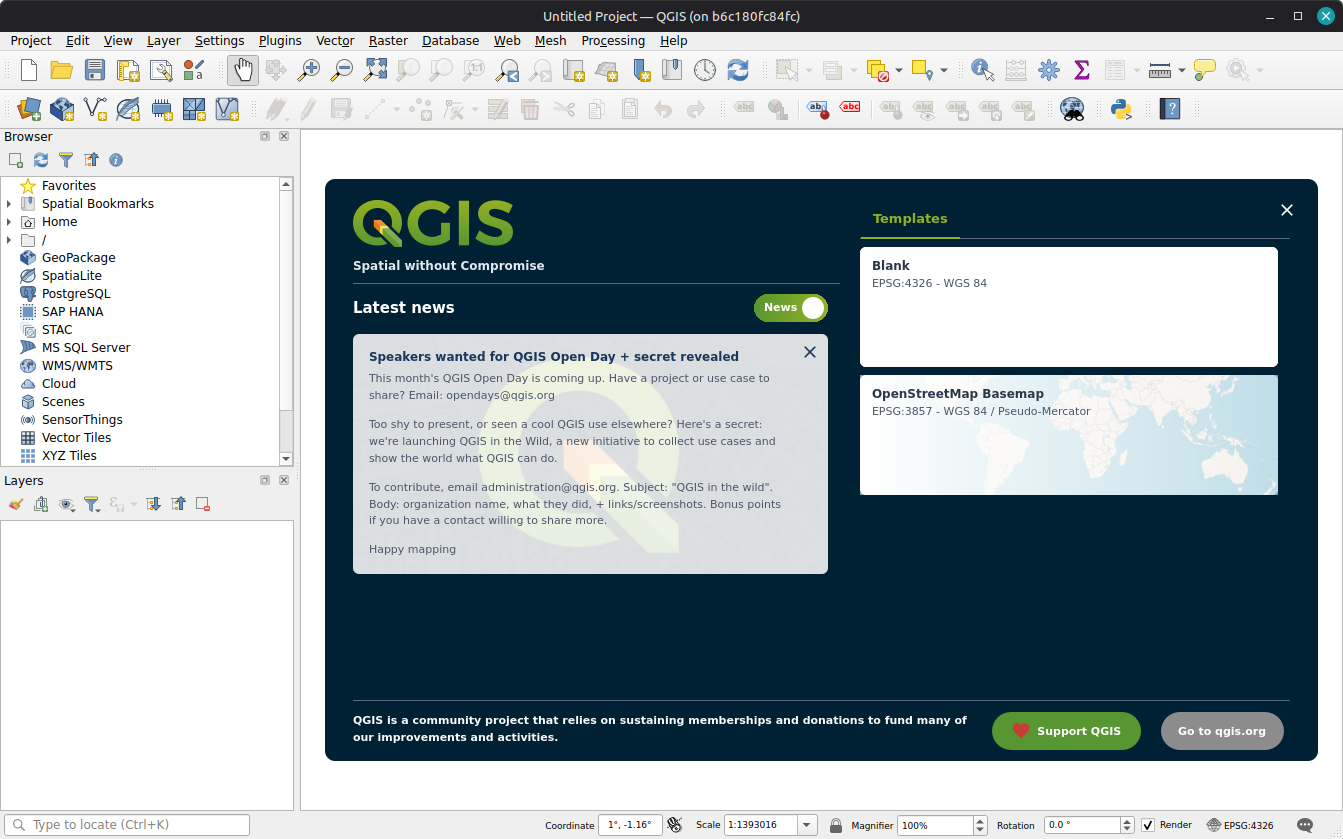
To persist your QGIS profile/settings across container runs, mount a local folder to the config path, e.g.:
docker run --rm -it --name qgis \ -v /tmp/.X11-unix:/tmp/.X11-unix \ -e DISPLAY=$DISPLAY \ -v ~/.qgis-docker-profile:/root/.local/share/QGIS \ qgis/qgis:4.2.2-questing qgis
Of course, last but not least, we’ll also need access to our data, so let’s mount a data directory as well, e.g.:
docker run --rm -it --name qgis \ -v /tmp/.X11-unix:/tmp/.X11-unix \ -e DISPLAY=$DISPLAY \ -e LIBGL_ALWAYS_SOFTWARE=1 \ -v ~/.qgis-docker-profile:/root/.local/share/QGIS \ -v /mnt/ssd1/Geodata:/data \ qgis/qgis:4.2.2-questing qgis
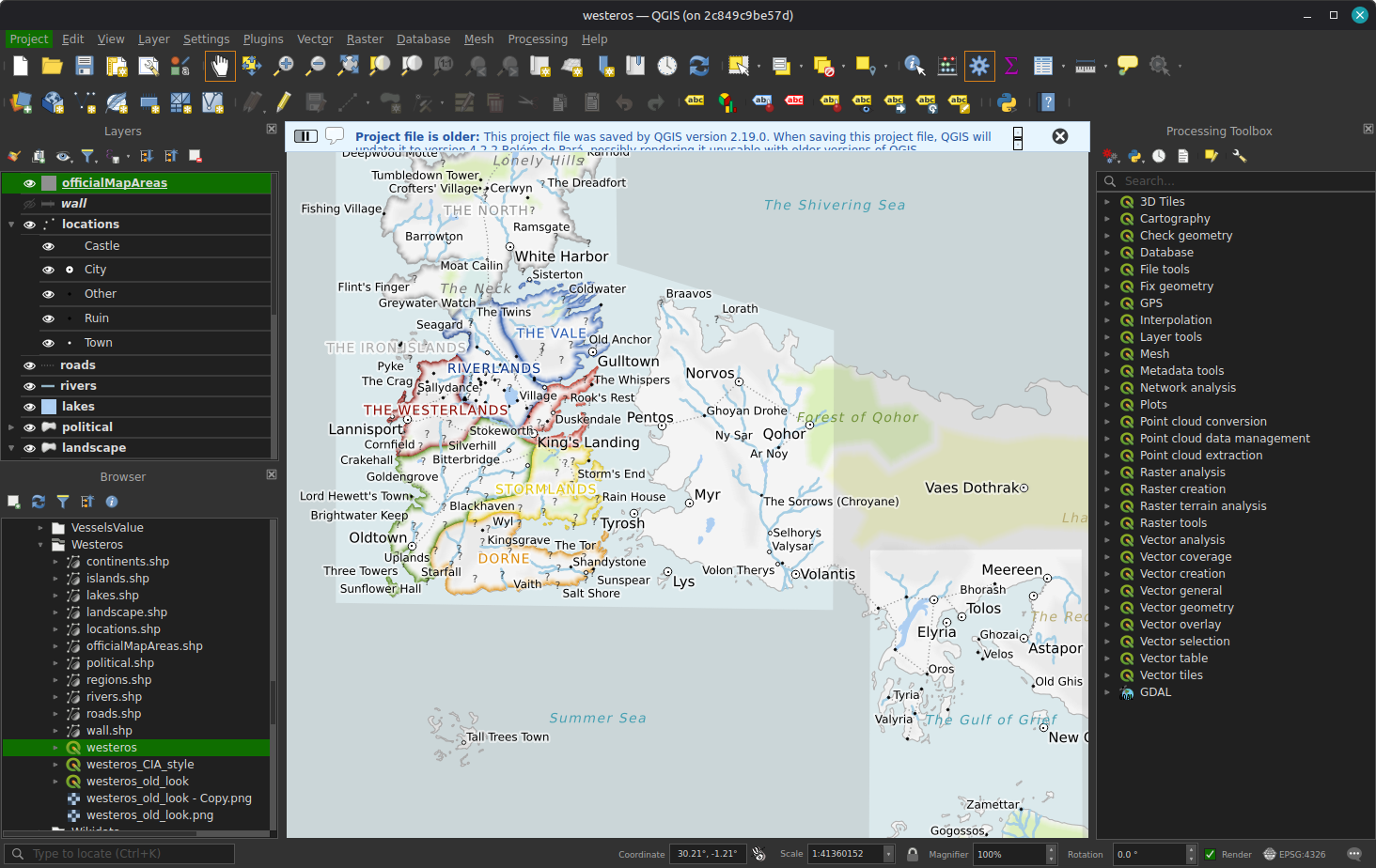
Fancy a bit of a stress test? I happened to find a project file written by QGIS 2.19 🫢
Yes, my friend, this project file is indeed a litte bit older … but hey, that doesn’t look too bad at all! Some icons seem to be off but, otherwise, looks like winter is coming.
On a side note, whom do I need to ping to the QGIS logo in the System Package / Software Manager updated?


for the lazy and mere mortal there is a flatpak
Yes, that’s on version 3.28.9 right now, as far as I can see
Ihave installed Qgis 4.2.2 as Flatpak from flathub via Linux Mints native appinstaller
Very interesting that you see the stable version in the native appinstaller. I only see the lts version there.
I see. the installer displays the old version but does indeed install 4.2 … nice